
What is Microsoft Excel?
Excel originated with large sheets of paper containing rows and columns that accountants used to add numbers in rows and columns to the total, helping beginners see its practical roots and feel inspired to master its digital version.
Advantages of Microsoft Excel
- Planning
- Calculating a complex formula
- Charts and graphics
- Presenting financial date
- Accounting
- Organizing
What is the difference between a workbook and a worksheet?
Understanding the difference between a workbook and a worksheet helps users feel more in control, making it easier to organize and manage their data confidently.
A workbook is like an Excel file with many related sheets. For example, charts and worksheets are inside the workbook.
On the other hand, a worksheet is a spreadsheet used to calculate data within series rows and columns.
How to create a workbook?
- On the left upper office button, click New
- Under available templates, double-click the blank workbook icon
How to save the workbook?
- On the left upper office button, click save
- In the save in the list, select the drive and folder where you want to save the workbook
- In the file name box, type your file name
- Click save
How to close the workbook?
- On the left upper office button, click close
In this article, I will provide the key names and information before we get into the details.
How to insert a new worksheet?
- On the home tab –in calls group – click insert
- After that, click insert sheet
- You can also right-click the selected sheet tabs, and you can click insert
How to name a worksheet?
- Double-click the sheet you want to rename
- Type the new name, for example, product, customer
How to delete a worksheet?
- Right-click the sheet you want to delete
- Choose delete
- In the dialog box, click delete.
Columns and rows
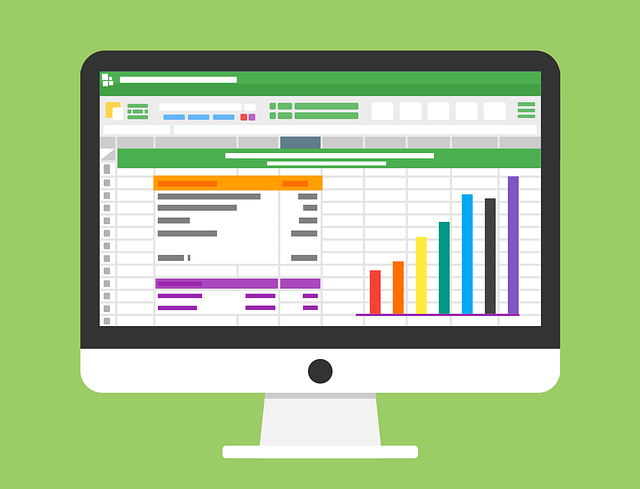
The vertical section of a Microsoft Excel worksheet is called a column, and the horizontal section is called a row. There are almost 16,384 columns, and you can get that number by just typing in the Excel {=COLUMNS (1:1)}. And 1,048,576 rows, you can get that number by just typing this formula in Excel: {=ROWS (H: H)}.
What is a cell? How do you describe a cell in Microsoft Excel?
Cell: is the intersection where a row and column meet on a spreadsheet that starts with cell A1
How to edit a cell content?
- Double-click the cell that contains the date you want to edit, or you can press F2
- Make any changes that you want
- To enter your changes, click ENTER
How to merge and center text?
- First, select the cell you want to merge.
- To merge cells, click Merge and Center on the formatting toolbar
What is a cell reference?
A cell reference, also called a cell address, is a combination of a column letter and a row number that identifies a cell on a worksheet. For instance, A6 refers to the cell at the intersection of column A and row 3
Finally, the next article will discuss cash receipts entries, and we’ll provide examples of organizing, sorting, filtering, and totaling lists.